
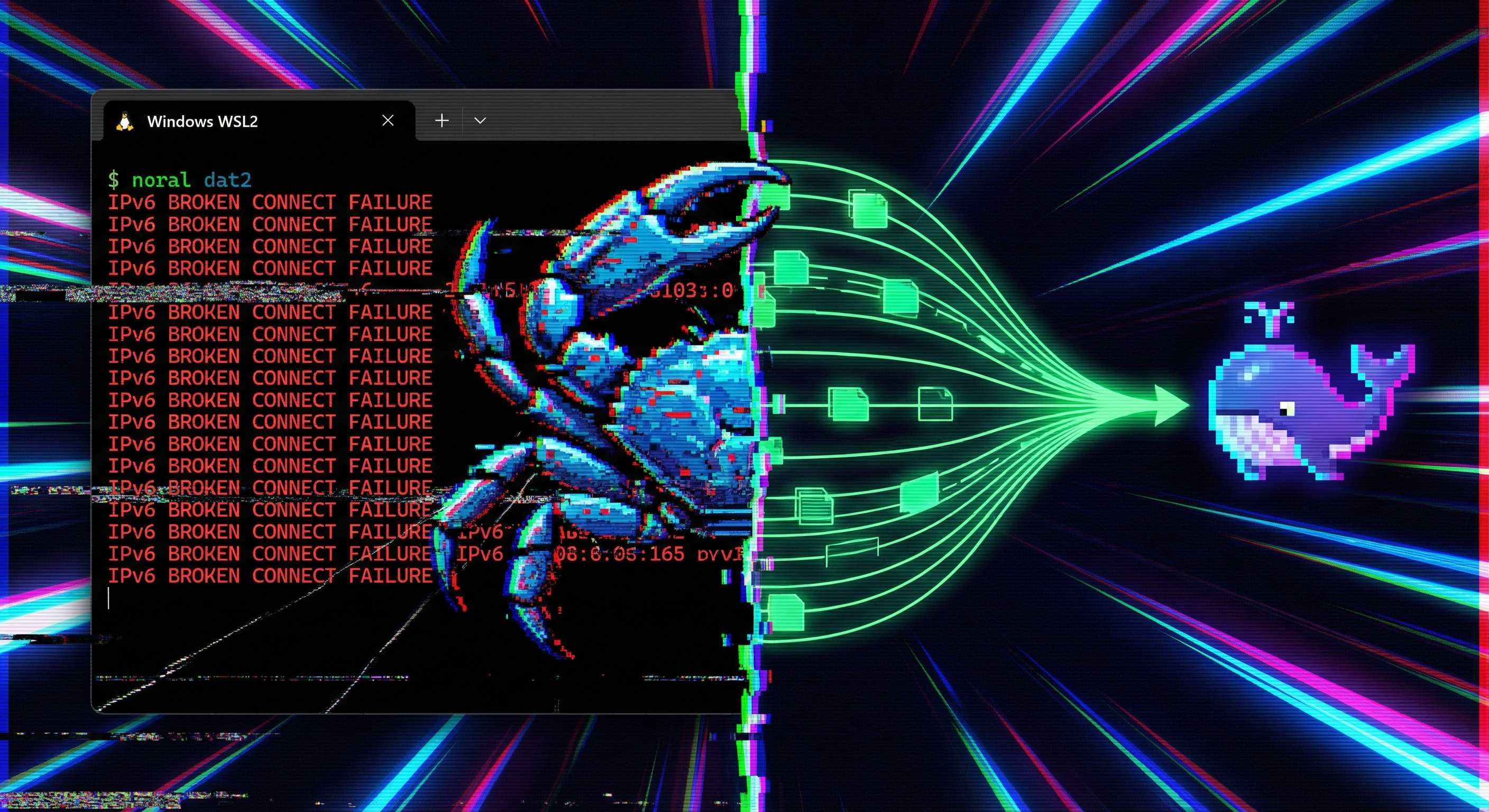
If you've been running OpenClaw inside WSL2 with Ollama on the Windows host side, you've almost certainly hit it: a terse TypeError: fetch failed that appears at random, with no hint of what's actually wrong. A merge landed today that permanently fixes this by detecting the WSL2 environment and forcing IPv4 connections to Ollama.
PR #55435 by @kinfey lands three targeted fixes across the Ollama networking stack.
The Root Cause
WSL2 on Windows uses a virtual network interface that supports both IPv4 and IPv6. Node.js's undici HTTP client has an autoSelectFamily option that, when enabled, tries IPv6 first. This is perfectly fine on a standard Linux machine — but inside WSL2, the IPv6 path to the Windows host (where Ollama listens) is frequently unstable or unreachable, causing connections to silently fail.
The fix is precise: when isWSL2Sync() returns true and autoSelectFamily would otherwise be enabled, OpenClaw now overrides it to false, forcing IPv4. IPv4 routing to the Windows host is reliable in WSL2, so Ollama requests land correctly every time.
Better Error Diagnostics
Even when the fix isn't triggered, the error surface has improved significantly. Previously, undici-wrapped errors only showed the top-level TypeError: fetch failed — the nested error.cause.message that contains the actual networking detail was swallowed.
Two files now surface that inner cause:
ollama-stream.ts— the user-visible error now appends the cause message, so you see something likeTypeError: fetch failed — ECONNREFUSED 127.0.0.1:11434instead of a bare type errormodels-config.providers.discovery.ts— Ollama provider discovery failures log the same nested cause, making it easier to diagnose why model listing fails during startup
Does This Affect You?
This fix applies if:
- You're running OpenClaw inside WSL2 (not native Linux, not macOS)
- Ollama is installed on the Windows host (the common setup, not inside WSL2 itself)
- You've seen intermittent
TypeError: fetch failedduring model streaming or provider discovery
If all three match, this fix will make those errors disappear. If you're running Ollama natively inside WSL2 (less common), the IPv4 override doesn't apply and nothing changes for you.
When to Expect It
The change is merged to main and will be included in the next OpenClaw release. If you're running from a main build or want the fix immediately, you can pull the latest and rebuild. Otherwise, watch the releases page — it'll arrive in the next numbered build.
WSL2 + Ollama is one of the most popular local-model setups for Windows developers, and this fix has been a long time coming. If you've been working around it with manual IPv4 binding, you can drop that workaround once the release ships.