
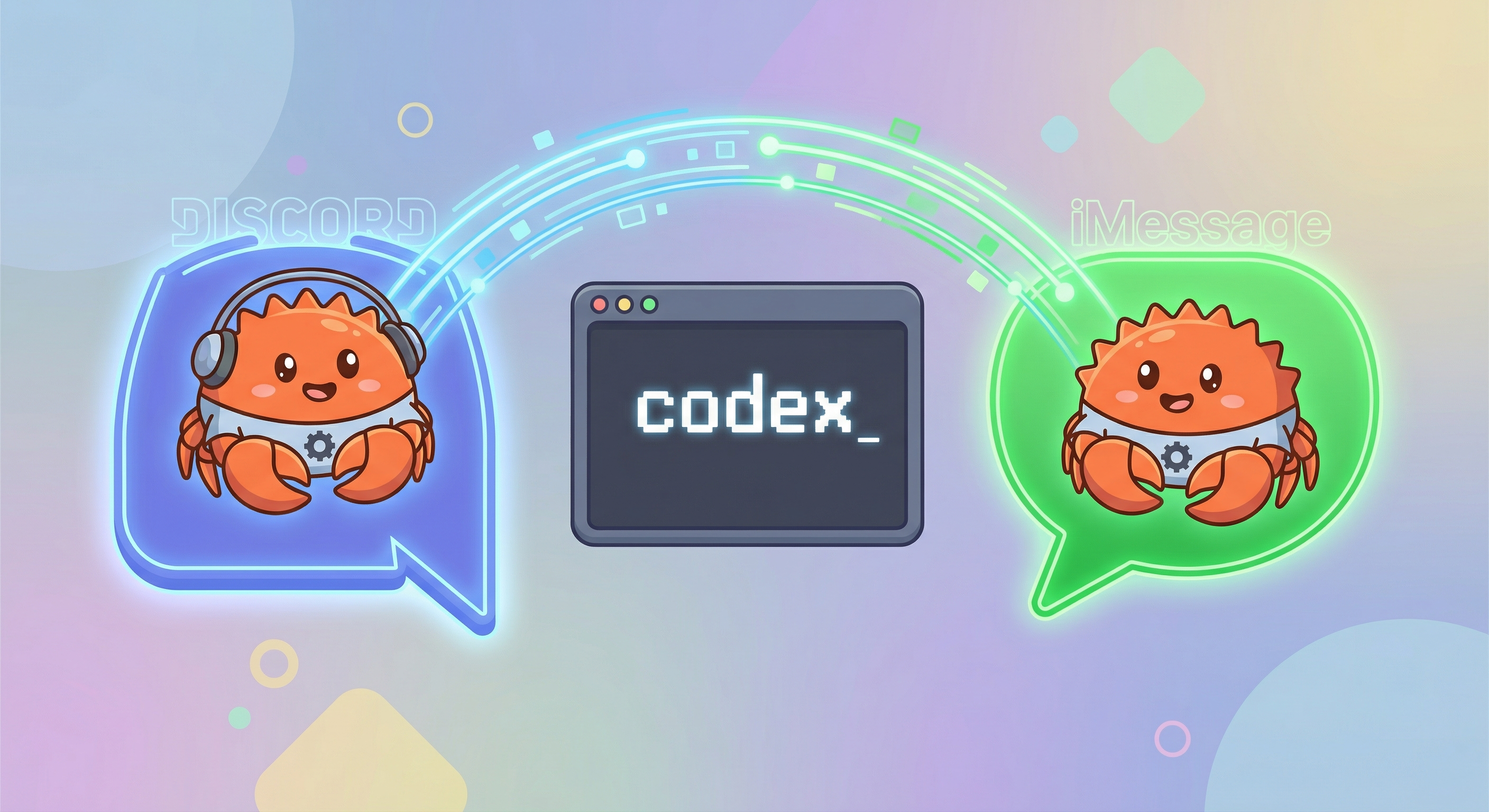
One of the quieter additions in OpenClaw v2026.3.28 is also one of the most practical: ACP in-place conversation binding. Until now, spawning a Codex (or other ACP agent) session from chat meant creating a child thread. Now, you can bind the agent directly to the current conversation — no thread, no context switch.
Here's everything you need to know about --bind here and why it matters.
What Is ACP Binding?
ACP (Agent Client Protocol) is how OpenClaw connects chat channels to coding agents like Codex. When you spawn an ACP session, OpenClaw routes subsequent messages in that conversation to the agent rather than through the normal assistant flow.
Previously, binding required spinning up a new thread or topic to contain the agent session. That made sense for Discord (threads are a natural container) but felt clunky on iMessage or BlueBubbles, where threads don't exist in the same way.
The --bind here flag changes that. It attaches the ACP session to the current conversation channel in place, so you stay where you are and the agent comes to you.
Supported Channels
As of v2026.3.28, in-place binding works on:
- Discord — channels and DMs
- BlueBubbles — iMessage via the BlueBubbles server
- iMessage — direct
imsgintegration
Other channels may follow in future releases.
Basic Usage
From within any supported chat, run:
/acp spawn codex --bind here
That's it. OpenClaw will:
- Spawn a Codex ACP session in the background
- Bind it to the current conversation
- Route all subsequent messages to Codex until you close or cancel the session
You don't need to remember a session ID or switch threads. The binding persists across gateway restarts (the session resumes on reconnect).
Useful ACP Commands
Once bound, a few commands are worth knowing:
| Command | What it does |
|---|---|
/acp status |
Shows the current session state, model, and binding |
/new or /reset |
Clears Codex context while keeping the binding alive |
/acp cancel |
Stops the current task but leaves the session open |
/acp close |
Ends the session and removes the binding |
The distinction between /acp cancel and /acp close is important: cancel is for interrupting a long-running task mid-flight, while close tears down the session entirely.
Why This Is Useful
The primary use case is turning a specific DM or channel into a dedicated coding assistant workspace without disrupting your existing conversation structure.
For example: you have a Discord channel for a side project. You and a collaborator are chatting there. You want to drop into a quick Codex session to iterate on a file, then return to normal assistant behavior when you're done. With --bind here, you can do that inside the existing channel — no thread to archive, no extra context to track.
On iMessage, where threading is non-existent, this is especially useful. A bound ACP session in an iMessage DM is effectively a private Codex workspace on your phone.
The Mental Model
The OpenClaw docs draw a useful three-way distinction that's worth internalizing:
- Chat surface — the Discord channel, iMessage DM, etc. This is where your messages appear.
- ACP session — the persistent runtime state of the agent (Codex, Gemini CLI, etc.) that OpenClaw manages.
- Runtime workspace — the files, tools, and context the agent operates on.
--bind here links the first to the second without changing the third. Your files and workspace stay wherever they were configured; you're just controlling access through a new chat entry point.
Switching Agents Mid-Session
You're not locked into Codex. Once a session is bound, you can close it and spawn a different agent:
/acp close
/acp spawn gemini-cli --bind here
This is useful if you're switching between tasks that benefit from different models or runtimes.
Getting Started
If you're not on v2026.3.28 yet:
npm update -g openclaw
Then from any supported channel, try /acp spawn codex --bind here. Full ACP documentation is at docs.openclaw.ai/cli/acp.