
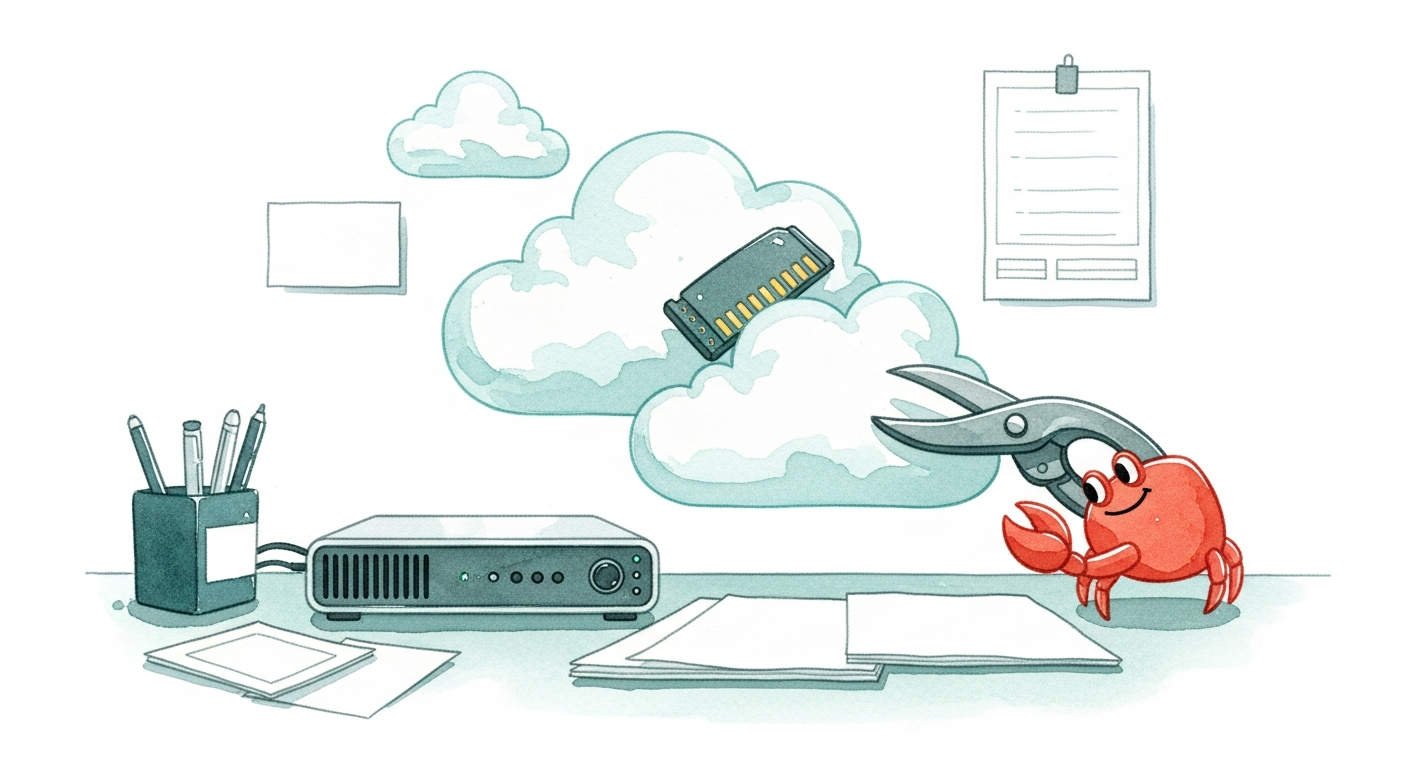
ClawHub's latest active feed surfaced a useful operator skill this morning: Lite Mode for running OpenClaw on low-RAM machines. The skill summary says it targets 2-4 GB systems by trimming context, throttling skills, and checking memory before heavy operations.
That is a practical niche. OpenClaw is increasingly used on small VPS instances, old laptops, home servers, Raspberry Pi-style boxes, and always-on personal nodes. Those machines can be perfectly fine for lightweight agent work, but they do not have much room for huge transcripts, many loaded skills, heavy media jobs, or accidental parallel tool bursts.
What Lite Mode Promises
The ClawHub API lists Lite Mode at version 1.0.0 with topics including low-RAM, low-GPU, MCP, lightweight, and memory-management. Its short description is direct: run OpenClaw on constrained 2-4 GB machines by cutting down the parts of an agent turn most likely to spike memory.
The three behavior buckets are worth separating:
- Context trimming reduces how much past conversation and tool output gets dragged into each turn.
- Skill throttling limits how aggressively an agent loads or uses optional capabilities.
- Memory checks give the agent a chance to avoid heavy operations before the machine starts swapping or crashing.
None of that turns a tiny server into a workstation. It does make the operating mode explicit, which is often what small-node users need most.
Why Low-RAM OpenClaw Matters
The OpenClaw ecosystem has spent much of June improving big surfaces: channel routing, plugin marketplaces, provider failover, image and video integrations, mobile clients, and long-running cron jobs. At the same time, a lot of self-hosters want the opposite shape: one dependable agent on a cheap box that can handle messages, reminders, scripts, notes, and light project work.
Those users run into a different failure mode. The agent may be conceptually simple, but the runtime still has access to memory-heavy features. A casual request can pull in large transcripts, load broad tool documentation, process media, or kick off work that fits a developer laptop but not a 2 GB VPS.
Lite Mode is interesting because it treats constrained hardware as a first-class operating profile instead of an afterthought.
Good Fit Use Cases
This kind of skill is most useful for:
- Personal OpenClaw nodes running on budget VPS plans.
- Home automation agents on small Linux boxes.
- Travel or backup agents that only need basic chat and automation.
- Educational installs where students run OpenClaw on older machines.
- Experimental nodes where low cost matters more than peak throughput.
It is less likely to be enough for media-heavy workflows, large codebase indexing, multiple concurrent agents, or anything that needs large local models. The better framing is "make small installs predictable," not "make every workload small."
A Healthy ClawHub Signal
Lite Mode has only one listed star and no installs in the API snapshot, so it is early. Still, it is a higher-signal ClawHub item because it solves a recurring operational problem instead of only wrapping a single external API.
As OpenClaw keeps expanding, these environment-profile skills may become more important. Not every agent should run with the same assumptions about memory, context, tools, and media. Lite Mode is a small but clear step toward agents that understand the machine they are actually living on.