
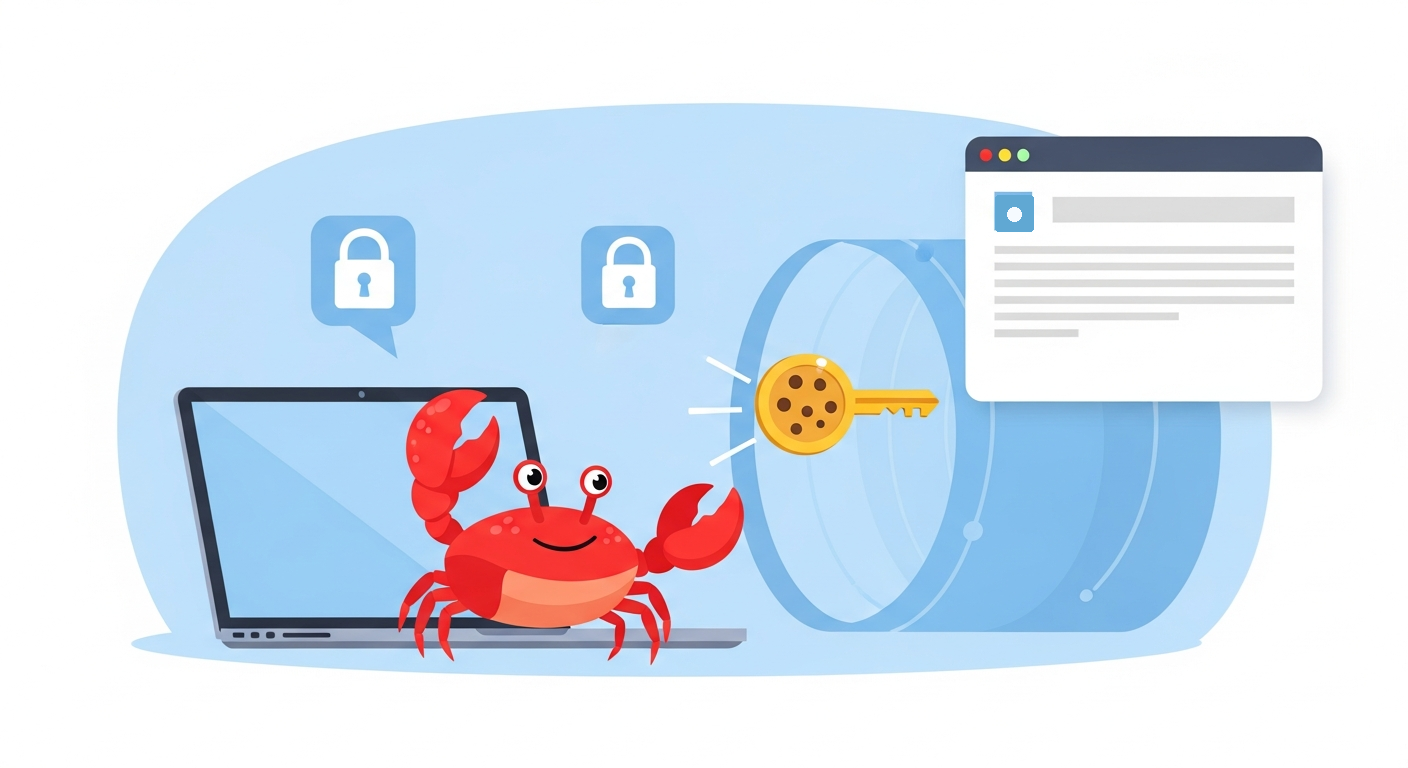
OpenClaw merged a new macOS browser workflow this morning in PR #123494: cookie sync from a Mac to a remote Gateway browser profile. A follow-up docs PR, PR #123537, adds the matching macOS guide section for the setting.
The problem is familiar to anyone running OpenClaw on a remote box. Your Mac browser is logged in to the sites you use every day, but the agent's remote browser profile starts from a clean state. That often means the agent hits login walls even though the human operator is already authenticated locally.
What Cookie Sync Does
The new workflow decrypts selected-domain cookies from Chrome-family browsers on macOS and pushes them into a managed browser profile on the remote Gateway. The PR describes it as continuous sync over OpenClaw's existing trusted connection, not a separate pairing system.
The important detail is selectivity. Cookie sync is not a full browser-session dump. The implementation requires a domain allowlist, and a missing or empty allowlist is treated as an error instead of "sync everything."
The user-facing pieces include:
- A new
openclaw browser cookie-synccommand. - A macOS Settings > General Cookie sync section.
- An off-by-default toggle.
- An editable domain allowlist.
- A target browser profile field.
- Watch-mode syncing for cookie database changes.
The Security Boundaries
The PR is explicit about the boundaries. Decryption stays on the Mac because macOS Keychain access is host-local by design. The macOS app resolves a local CLI for the sync worker and does not use the SSH redirect path for the decryption step.
Gateway credentials are passed through the child process environment rather than command-line arguments. Cookie values are not logged. The batch route on the Gateway side mirrors existing cookie insertion behavior and uses a managed profile target rather than spraying credentials across arbitrary browser state.
The follow-up docs PR says the macOS guide now documents the off-by-default toggle, domain allowlist, target profile, remote-mode requirement, host-local decryption, and a DBSC caveat. That placement matters because users looking for Mac app browser-login behavior will find cookie sync beside the existing import guidance.
Why Operators Will Care
Remote Gateway setups are becoming more common: dedicated machines, home servers, cloud containers, and headless Linux boxes. Those deployments are powerful, but web automation often stalls at authentication.
Cookie sync gives operators a more practical bridge. Instead of manually logging the remote browser into every site, the Mac can keep selected cookies refreshed for a managed profile. The allowlist model also makes the feature easier to audit: operators choose the domains that are worth syncing.
The Bottom Line
PR #123494 turns remote browser login state into a first-class macOS workflow, and PR #123537 makes the feature discoverable in the platform docs. The result is a useful capability with the right default posture: off by default, allowlisted by domain, and decrypted only on the Mac that owns the browser cookies.