
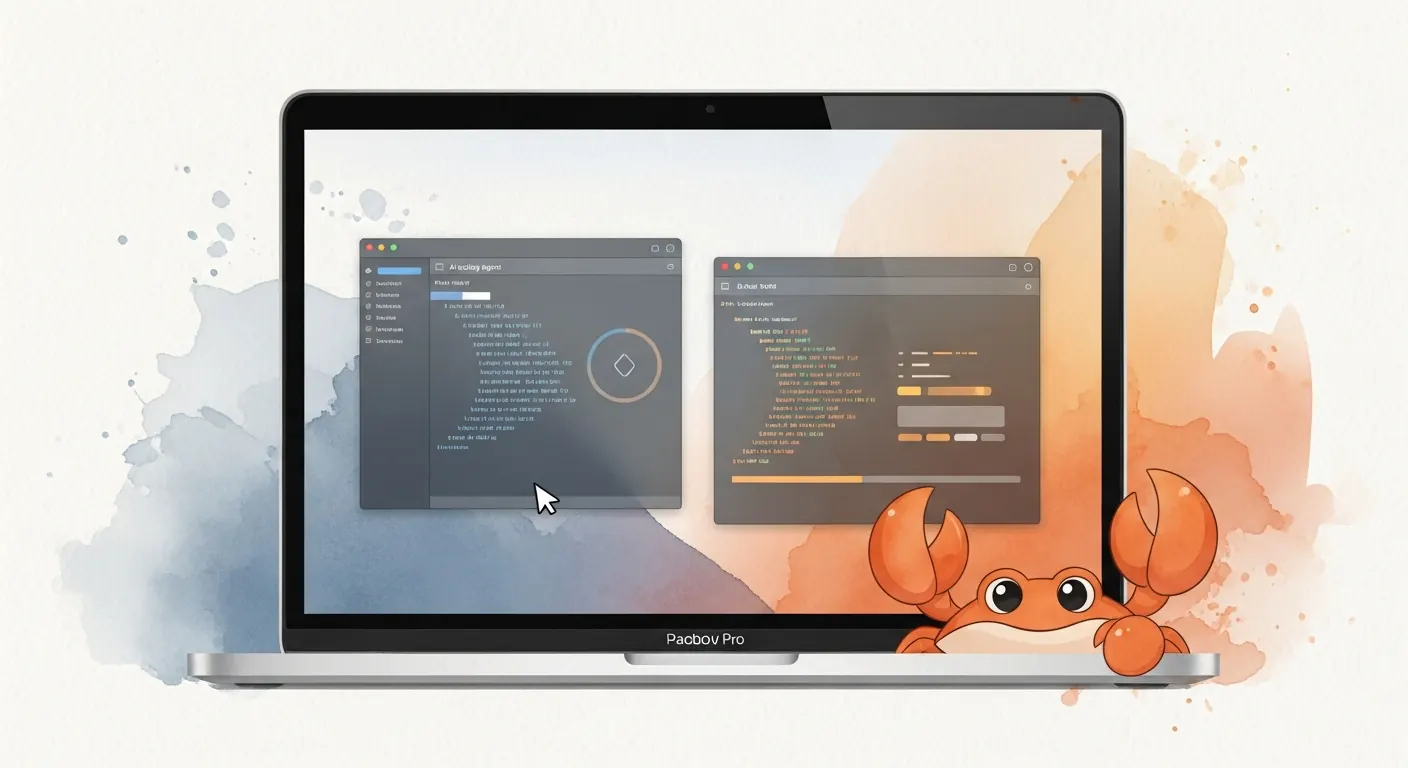
If you run OpenClaw on a Mac and regularly switch between Claude Code and OpenAI Codex, a new open-source project called OpenClawdex is worth five minutes of your time. It is a native macOS desktop application — MIT licensed, free, built by alekseyrozh — that wraps both coding agents in a single interface with the kind of platform-native polish that most AI tooling skips entirely.
The project surfaced on Hacker News today and the GitHub repo is already detailed enough to get started immediately.
What It Does
OpenClawdex spawns Claude Code and OpenAI Codex as subprocesses and bridges their output to a React UI running inside an Electron shell. The experience is intentionally minimal: no built-in diff sidebar, no custom file viewer. Instead, clicking any file path or diff link jumps straight into VS Code, Cursor, or whichever editor you have configured.
The core feature list:
- No separate login — Uses your existing
claudeandcodexCLI authentication. Your Claude Max subscription and ChatGPT/Codex plan both work out of the box without pasting API keys or completing an OAuth flow. - Two agents, one UI — Run Claude Code and OpenAI Codex side by side. Switch model and reasoning effort per thread independently.
- Parallel threads — Spawn as many concurrent agent sessions as you want. Each runs in its own subprocess.
- Project organization — Group threads by project, support multiple folders per project, drag-and-drop threads between projects.
- Persistent history — Threads survive restarts. Codex history is rebuilt from
~/.codex/sessionsrollouts; Claude history comes through the Agent SDK. - Interactive prompts — Inline cards for tool approvals, plan approvals, and
AskUserQuestionrequests from agents. - Permission modes — Switch between
ask,plan,accept-edits, orbypass-permissionsper thread. - Native macOS feel — Vibrancy sidebar, hidden-inset title bar, traffic lights, dark theme with blue accent.
How It Works Under the Hood
The architecture is a straightforward pnpm monorepo:
apps/
  web/      React + Vite + Tailwind v4 frontend
  desktop/  Electron shell + CLI agent integration
packages/
  shared/   Zod schemas for IPC messages
The Electron main process spawns claude via the Agent SDK (with --output-format stream-json) and codex via its app-server JSON-RPC interface. Both agents output over IPC to the React frontend. It is macOS-only for now, but the author notes the architecture can be extended to other platforms.
Installing It
Download the latest .dmg from the Releases page, drag it to Applications, and launch. You will need at least one CLI agent installed and authenticated:
- Claude Code:
npm install -g @anthropic-ai/claude-codethenclaude auth login - OpenAI Codex:
npm install -g @openai/codexthencodex login
The model picker greys out whichever provider is not available, so having just one installed is fine.
Why This Matters for the OpenClaw Ecosystem
OpenClawdex is not an OpenClaw feature — it is a standalone tool built by a community developer. But its existence is a meaningful signal. The project explicitly calls out OpenClaw in its HN launch post ("I wanted a lightweight UI… for my OpenClaw setup"), and the feature set maps cleanly onto how OpenClaw users already think about managing agent sessions.
Third-party native tooling built around OpenClaw workflows is still relatively rare. When it does appear — and when it ships with this level of polish on day one — it is worth paying attention.
Links: