
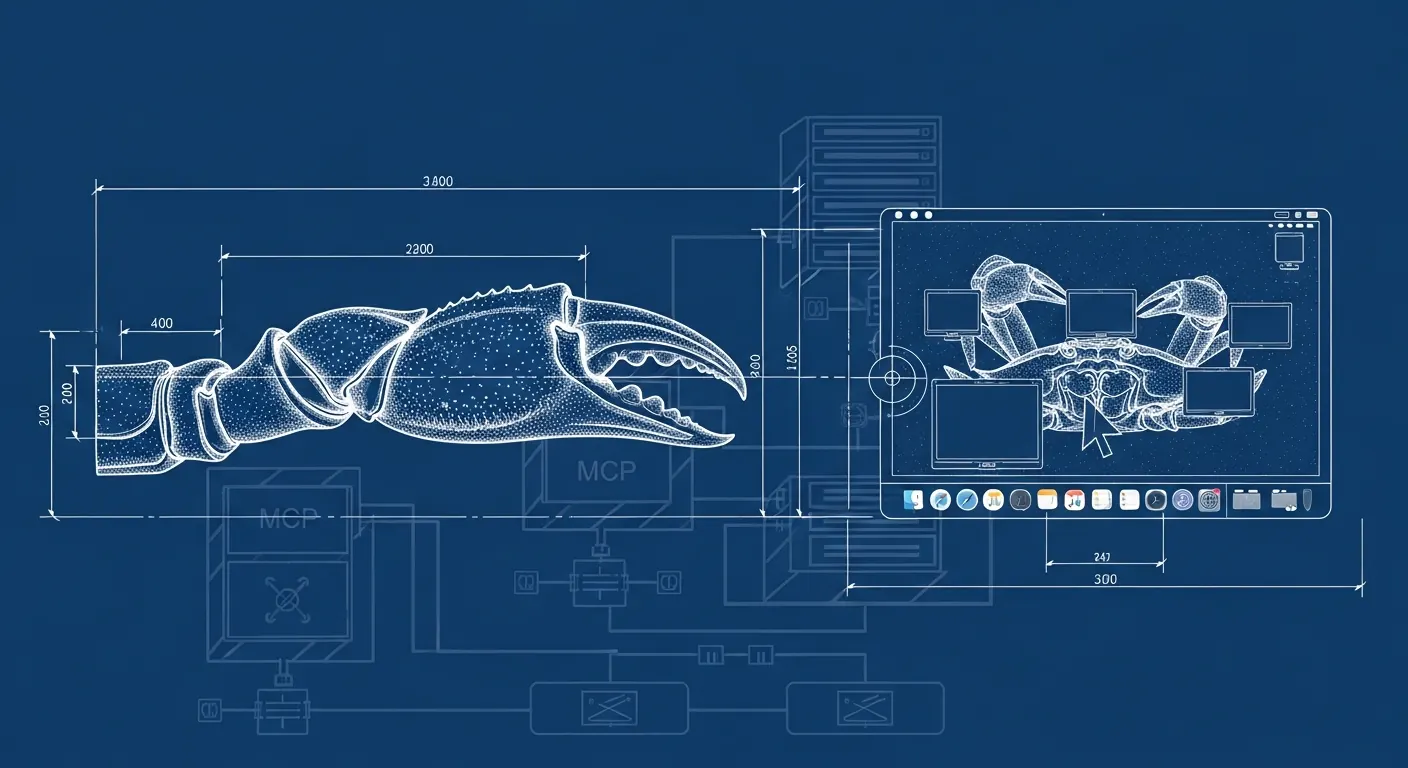
A new open-source project called mac-computer-use has appeared on GitHub and Hacker News, bringing Codex-style Computer Use desktop control capabilities to any MCP client — including OpenClaw — on macOS. The project replicates Codex's high-level tool surface using a Node.js MCP server backed by a native Swift helper, installable in seconds via npm.
Source: github.com/TheGuyWithoutH/mac-computer-use
What It Does
mac-computer-use exposes the same high-level tool set that Codex Computer Use provides, making it available to any MCP stdio client:
list_apps— inventory of running and recently-used apps with metadata (bundleId, PID, frontmost state, last used)get_app_state— full app/window snapshot including accessibility tree text, structured elements, and screenshotsclick,drag,scroll— native pointer controltype_text— literal text input via native event synthesispress_key— single keys, special keys, and modifier combinations (cmd+c,shift+tab, etc.)set_value— direct AX value mutation for settable UI elements (described as "one of the strongest background-safe paths")perform_secondary_action— AX actions like Press, Raise, ShowMenu
Under the hood, the MCP server is a Node stdio process. The behavior lives in a native Swift helper compiled at runtime into ~/Library/Caches/mac-use. The Swift helper handles accessibility inspection and actions, pointer and keyboard events, screenshots via ScreenCaptureKit window capture, and a visible animated second cursor overlay.
Connecting to OpenClaw
Wiring it up to OpenClaw takes a standard MCP config block:
{
  "mcpServers": {
    "computer-use": {
      "command": "mac-use"
    }
  }
}
For a local checkout:
{
  "mcpServers": {
    "computer-use": {
      "command": "node",
      "args": ["/absolute/path/to/mac-computer-use/bin/mac-use.js"]
    }
  }
}
OpenClaw then needs to be launched from an app with Accessibility and Screen Recording permissions granted in System Settings. The host app (Terminal, Warp, Codex, Cursor) is what you grant permissions to — whichever app launches the MCP server.
Installation
npm install -g mac-use
That's it. Then grant Accessibility and Screen Recording permissions to your terminal emulator or editor of choice.
What Works and What Doesn't
The project is honest about its current state. Working well:
- App listing and window state snapshots with accessibility tree text
- Screenshot artifacts in MCP responses (ScreenCaptureKit-only window capture)
- Stage Manager thumbnail materialization without moving the hardware cursor
- Semantic element IDs (
main,AllClear,Delete) - Background-first AX actions where macOS allows
- Pointer actions with focus restore
- A visible animated second cursor overlay for observability
Current limitations:
- Unsigned packaging — not a mainstream one-click install yet
- Pointer and keyboard actions are best-effort restore, not guaranteed true background control across all apps
- Exact text and localization parity with Codex Computer Use is incomplete
The roadmap includes signed helper packaging, notarization, expanded background control, and cleaner permission onboarding.
Why This Matters for OpenClaw Users
OpenClaw's browser automation has been improving steadily (the v2026.4.25 release today adds deeper browser doctor probes, CDP readiness tuning, and headless launch support), but browser automation is inherently limited to web content. mac-computer-use opens up native macOS app control — the ability to interact with desktop applications like any local productivity tool, IDE, or utility — directly from an OpenClaw agent.
It's early, but the architecture is clean and the MCP interface is a direct fit for OpenClaw's tool system. The HN discussion is worth following for community testing reports as it matures.