
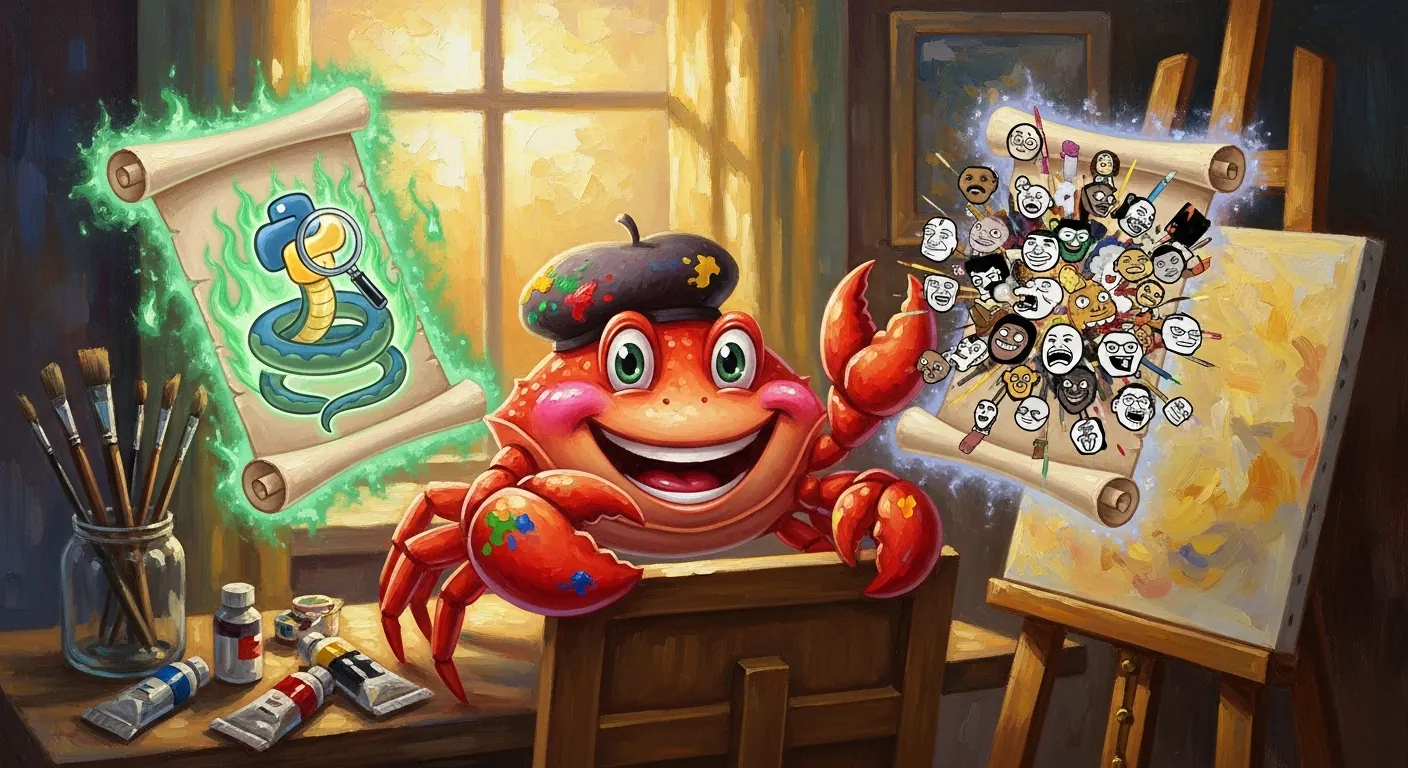
OpenClaw v2026.5.16-beta.6 bundles two new skills that expand what your agent can do out of the box. One is a fully-featured Python debugging integration. The other is a meme-maker that can render locally and look up provenance on Know Your Meme. Together they're a small but telling window into where the bundled skill library is growing.
Python Debugging Skill
The Python debugging skill brings pdb, breakpoint(), post-mortem inspection, and debugpy remote attach support into the OpenClaw skill layer.
The practical upside: instead of context-switching between your agent and a separate debug session, you can ask your agent to attach to a running Python process, set breakpoints, inspect a traceback, or walk through a post-mortem interactively. For anyone debugging a Python service that their OpenClaw agent is also managing — a common pattern — the feedback loop gets considerably tighter.
The debugpy remote attach support is worth calling out specifically. It means the skill can connect to a Python process that has already been launched with --listen, making it compatible with the typical VS Code debug server setup. You can hand an attach address to the agent and let it investigate without modifying the running process.
What you can do with it
- Attach to a running Python process via
debugpyremote attach - Start a process under
pdband step through it - Use
breakpoint()in your code and have the agent land at the breakpoint - Run post-mortem inspection on a traceback — useful for cases where the process has already crashed and you want to examine state
Meme Maker Skill
The meme-maker skill does three things: curated template search, local rendering (SVG and PNG), and Imgflip hosted rendering. It also includes Know Your Meme provenance links so you can verify the template's origin and cultural context.
The local SVG/PNG rendering path means you don't need an Imgflip account for basic meme generation — the skill can produce output entirely locally. The Imgflip hosted path is there when you want a publicly shareable URL.
The Know Your Meme integration is an unexpected practical addition. Meme templates have cultural context that matters: using the wrong template for a given situation is a real failure mode, and surfacing the provenance link lets an agent (or a human reviewing the agent's output) confirm the template is appropriate for the context.
Typical use cases
- Generate a quick meme inside a Discord or Slack workflow without leaving the chat
- Let the agent pick a template based on a description and render it locally
- Share a hosted Imgflip link when you need a stable URL
- Look up whether a template is still current or has acquired unwanted associations
Both Skills Are Available Now
Both skills ship as bundled skills in beta.6 — no separate install required. If you're running beta.6 or later, they're already available.
To use them, just describe what you want in natural language. The agent will route to the appropriate skill:
Debug the crash in my app: the traceback is in /tmp/crash.log, the process is still running with debugpy on port 5678
Make a Drake meme: top panel "fixing bugs at 3am", bottom panel "adding new features at 3am"
For more on what skills are available in your OpenClaw instance, run openclaw skills list.
More Skills in This Release
Beta.6 also ships a few other bundled skill additions worth noting:
- Node inspector debugging — for stepping through Node.js processes
- Fused diagram generation — for producing architecture and flow diagrams in a single pass
- Throwaway spike workflow — a structured pattern for exploratory coding spikes that clean up after themselves
- Obsidian skill update — now targets the official
obsidianCLI instead of the third-partyobsidian-cli - autoreview — the Codex closeout review skill is renamed from its previous name while keeping Codex-first fallback behavior
The full list of skill changes is in the beta.6 release notes.